See Our Latest Article on HelloNation
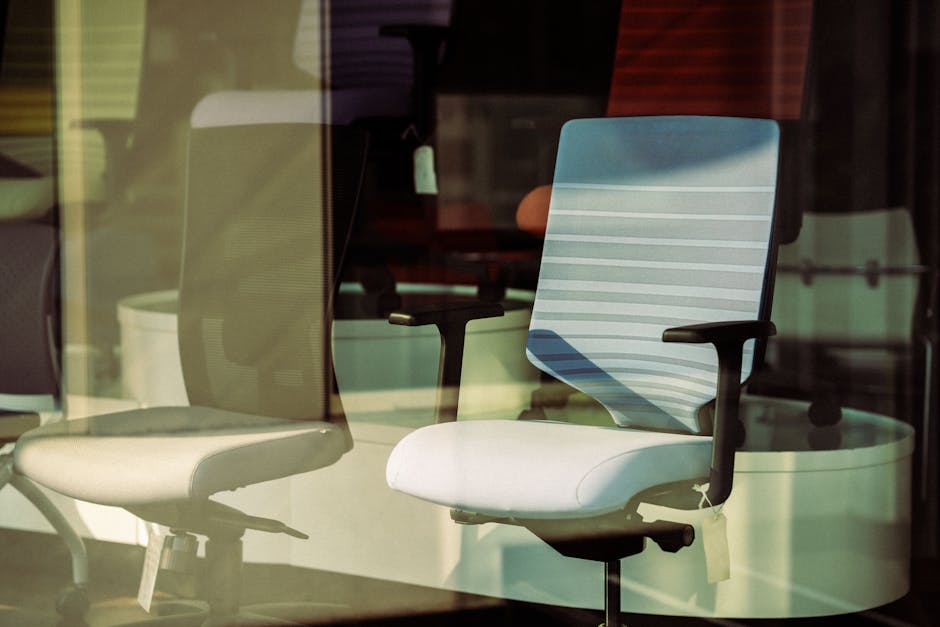
Living and working in Kenmore, NY means that you’re part of a vibrant community, whether you’re based out of a cozy home office or commuting to one of the many local businesses. As a trusted Kenmore chiropractor, I see every day how our work environments can take a toll on our backs and necks. Many residents don’t realize that small, practical changes can make a big difference. In this article, we’ll explore how you can make your workspace spine-friendly, boosting both your comfort and productivity.
Why Workspace Ergonomics Matter in Kenmore
Kenmore is known for its beautiful parks, bustling shopping districts, and hard-working residents. But whether you're spending your days in local government offices, retail spaces on Delaware Avenue, or working remotely from a North Buffalo suburb, you may be sitting for long hours. Poor posture and inadequate desk setups are leading contributors to spine problems like back pain, neck stiffness, and even headaches. Optimizing your workspace isn’t just about comfort—it’s about your long-term health.
The Anatomy of a Spine-Friendly Workspace
Designing a workspace that supports your spine involves more than just picking a nice chair. Here are the essentials:
- Chair Selection: The best office chair should support the natural curve of your spine. It should have lumbar (lower back) support, adjustable height, and a seat comfortable enough to prevent pressure under your thighs.
- Desk Height: Your desk should allow your elbows to stay at a 90-degree angle when typing, and your wrists should not be bent up or down. In Kenmore’s classic homes or compact office spaces, consider adjustable desks or keyboard trays.
- Monitor Placement: Keep your monitor at eye level. The top inch of the screen should be at or just below eye level to prevent neck strain. Use monitor risers or a stack of sturdy books if needed.
- Keyboard & Mouse: Place these close enough that your arms stay relaxed and your wrists are neutral (not bent). Ergonomic keyboards and mouse pads with wrist rests can help.
Incorporating Movement into Your Workday
Kenmore’s friendly neighborhoods encourage walking, and you can bring this active spirit into your work routine as well:
- Stand Up Frequently: Set a timer to remind yourself to stand every 30-45 minutes.
- Walk Around: Take a short walk down your hallway, around your office, or even a quick stroll outside if you’re near Mang Park or the Kenmore Farmer’s Market.
- Stretch at Your Desk: Gentle neck and shoulder rolls, seated twists, and hamstring stretches can keep your muscles limber.
The Role of Lighting and Temperature
Proper lighting reduces eye strain, which in turn prevents hunching forward. Use natural light if your workspace faces a window—Kenmore’s four-season climate provides varied, but usually ample, daylight. Supplement with desk lamps for a balanced light source.
Also, keep temperature in mind: drafty windows common in older Kenmore homes can lead to stiffness as muscles tense up in the cold. A well-heated space encourages relaxed, healthy posture.
Personalizing for Comfort and Habit
The best spinal health setup is one you’ll actually use. Add personal touches that encourage you to move and maintain posture:
- Keep Water Handy: Staying hydrated is important for spinal disc health.
- Use a Reminder Note: Place a sticky note on your monitor with a posture check—“Sit tall! Shoulders back!” is a simple one.
- Leverage Local Resources: Kenmore has a range of local supply stores for ergonomic accessories. Support local business while upgrading your health!
Special Considerations for Remote Workers in Kenmore
If you’re working from home, it’s tempting to relax on the couch with your laptop. This may feel comfortable for a few minutes, but it’s unsustainable for your spine. Instead:
- Dedicate a specific area as your workspace.
- Invest in a supportive chair—many Kenmore businesses sell pre-owned office furniture at affordable prices.
- If you use your dining room table, add a cushion or lumbar support and make sure you’re sitting upright.
When to Seek Professional Help
Persistent pain is never “normal.” If you notice ongoing back, neck, or wrist pain—even after adjusting your workspace—it may be time to consult a spine health expert. Local Kenmore chiropractors are trained to assess musculoskeletal issues and can provide recommendations tailored precisely to your lifestyle.
Action Steps: Making Changes Today
You don’t need to revamp your entire office overnight. Start incrementally:
1. Adjust your monitor and chair height today.
2. Set up a reminder to stand up every hour.
3. Perform a few stretches during your next break.
By taking these simple, practical actions, you’ll join many Kenmore, NY residents who are prioritizing their spinal health—making work life more comfortable and sustainable.
Final Thoughts
Creating a spine-friendly workspace is more than a trendy idea—it’s a fundamental part of maintaining long-term health, especially here in Kenmore where community and well-being go hand-in-hand. Start with small steps, stay consistent, and you’ll soon notice the benefits in how you feel during and after your workday. If you have questions about ergonomic assessments or need more personalized guidance, local experts are here to help keep Kenmore healthy, active, and pain-free.